Page 1 of 5
what is wrong with the forum
Posted: Wed, 01 Apr 2009 8:21 pm
by ksl
Singapore Expats Forum
Singapore Expat Forum and Message Board for
Expats in Singapore & Expatriates Relocating to Singapore
For some reason i can see the above text in very large letters, like its shouting at me, in the same order as a above, what gives?
When reading posts, i also have to use the bottom slider, because the sentence goes on and on and on and on....is it my browser or what?
This is all very strange, its corrected itself now

after 1 hour, but those big buttons seem to appeared out of the blue.....so i guess someone was playing around
Actually I have just discovered the problem is on the gymrat thread 3rd page, the 1st and 2nd are okay, then the 3rd page, i have to use the slider on the bottom to read the postings on the gymrat page in health and beauty, Mods why is this? It's so annoying!
Posted: Wed, 01 Apr 2009 11:42 pm
by durain
i notice that earlier but seems to be OK now.
Posted: Thu, 02 Apr 2009 10:55 am
by blue_thunder
I still find those large text on top of the forum pages.
Is some moderator playing April fool ???
Cheers.
Posted: Thu, 02 Apr 2009 12:23 pm
by ksl
12.21 p.m Yes the extra large text format is still there, I guess maybe our browsers are infected or there is a bug in the forum software, since they have changed the format. It would be nice to here from admin what is going on. 12.25 p.m the text is now normal again. But I still need to use the slider to read posts, on the 3rd page of gymrats in health beauty thread.
Posted: Thu, 02 Apr 2009 1:14 pm
by blue_thunder
@1:15PM , the large text still exists.
Cheers.
Posted: Thu, 02 Apr 2009 1:22 pm
by sundaymorningstaple
When people post large photos side by side or post extremely long url insteading of using a hyperlinked bit of text it will cause extremely wide frames as there is no "space" for the copy to break to a new line. ksl, you are one who does this a lot yourself. I usually go in and hyperlink the URL to a bit of text so that this thread
http://www.singaporeexpats.com/forum/ftopic58677.html
looks like
this thread.
Looks like the Administrator is playing around with the headers & banners and the new button placeholders are somehow loading and the buttons in front of them are not. Sometimes the images load and sometimes they don't.
Posted: Thu, 02 Apr 2009 2:29 pm
by blue_thunder
Posted: Thu, 02 Apr 2009 2:42 pm
by Pal
Can you guys attached a screenshoot?
We can't replicate the problem with Firefox or IE.
Posted: Thu, 02 Apr 2009 2:55 pm
by sierra2469alpha
Pal - new buttons etc. work fine here on IE 7.0.5730.13 - if that's of any help????
Could be that you may have a few spacers out of line hence maybe Firefox isn't coding them up right?
Indeed page 3 of the gymrats thread forces me to use the horizontal scroll bar, but that's because of the first post on the page - it doesn't paginate properly (look at the HTML source - that will tell you why). Now the cause of that may be either on the input parsing (when the poster made the original contribution), or on the "serving" side of the software.
HTH, P
Posted: Thu, 02 Apr 2009 3:02 pm
by Pal
Need to know if the NEW buttons and layout look fine for everyone. When we tested with IE and Firefox we can't replicate the "BIG TEXT" as described by ksl.
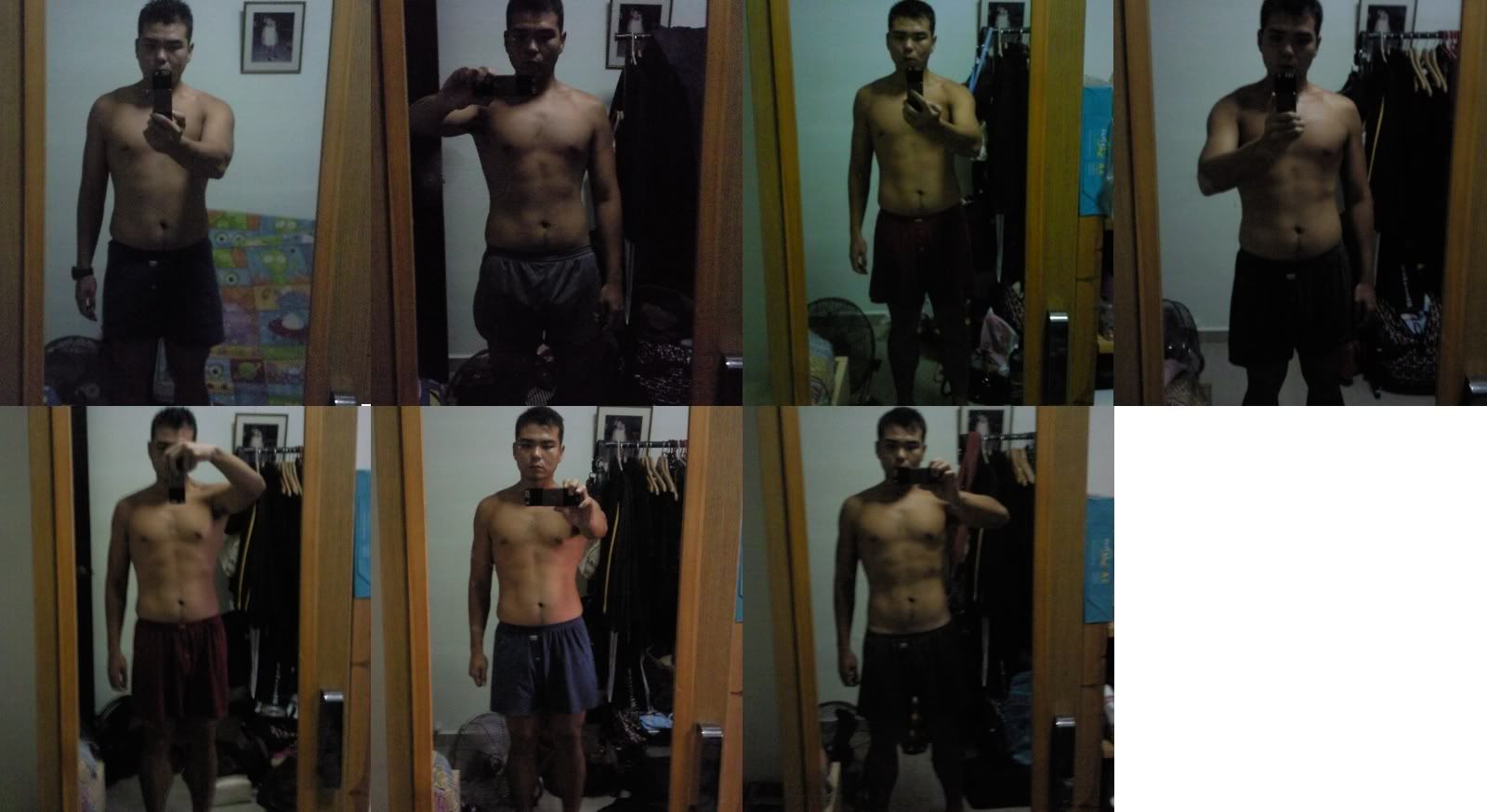
The reason why everyone needs to use the horizontal scroll bar in the Gymrat thread page 3 (
http://www.singaporeexpats.com/forum/ft ... 41-60.html) is because of this picture:
http://i257.photobucket.com/albums/hh21 ... sions4.jpg
Should we remove the above picture?
Posted: Thu, 02 Apr 2009 3:51 pm
by sundaymorningstaple
Pal, it's loading fine today. At least it is in FF 3.0 and I am using it and home and work. It's was sporadic yesterday but today I've not seen it happening.
The picture/url links and the wide frames have often happened but as I said, I usually just go in and edit to make a short hyperlink and that solves the problem or add a space between to pictures. Course a single picture of too large resolution we can't do nothing about (other than deleting it).
Posted: Thu, 02 Apr 2009 3:54 pm
by sierra2469alpha
Well apart from the somewhat inappropriate content of said picture .....

As a side note, the "View Posts Since Last" visit functionality seems to be on the blink.
As mentioned, rendering fine in IE 7.0.5730.13
HTH, P
Posted: Thu, 02 Apr 2009 3:57 pm
by ksl
I'm using explorer version 8.06 if that's any help. it is a loading problem and is cured after several minutes, i have noticed.
However the gymrats page 3, is probably caused by the double insertion of pics, that push the indentation out to the right. I don't fully agree it is the posting of urls, unless it streches over the amount of characters of the indent, and even that it should line breakthe link, so I guess the picture pixel size, which i have had a look at are the problem. Maybe a limit needs to be set on pics.
The frame is 66 characters before line break I believe.
Posted: Thu, 02 Apr 2009 3:58 pm
by Pal
Thanks for the feedback.
I just changed the cookie name, that is why the "View Post Since Last Visit" is acting weird for a short while.
Posted: Thu, 02 Apr 2009 4:09 pm
by ksl
Pal wrote:Thanks for the feedback.
I just changed the cookie name, that is why the "View Post Since Last Visit" is acting weird for a short while.
The pics on gymrats are 1600 X 874 pixels, which will most definately push the whole page indent to the right, if not limited. I checked the other two pages and the pics are much smaller.
SMS, a url I believe would make a line break, if too long, and still be effectively linked, but pics on the other hand are objects that also effect the first post and the whole frame, because of size.
Anyway I'll be more thoughtful when i post the urls, one expects the forum to set limits on pics because some people are lazy

yes i have done the same